



Website Maintenance Services for Businesses
Website Maintenance Checklist
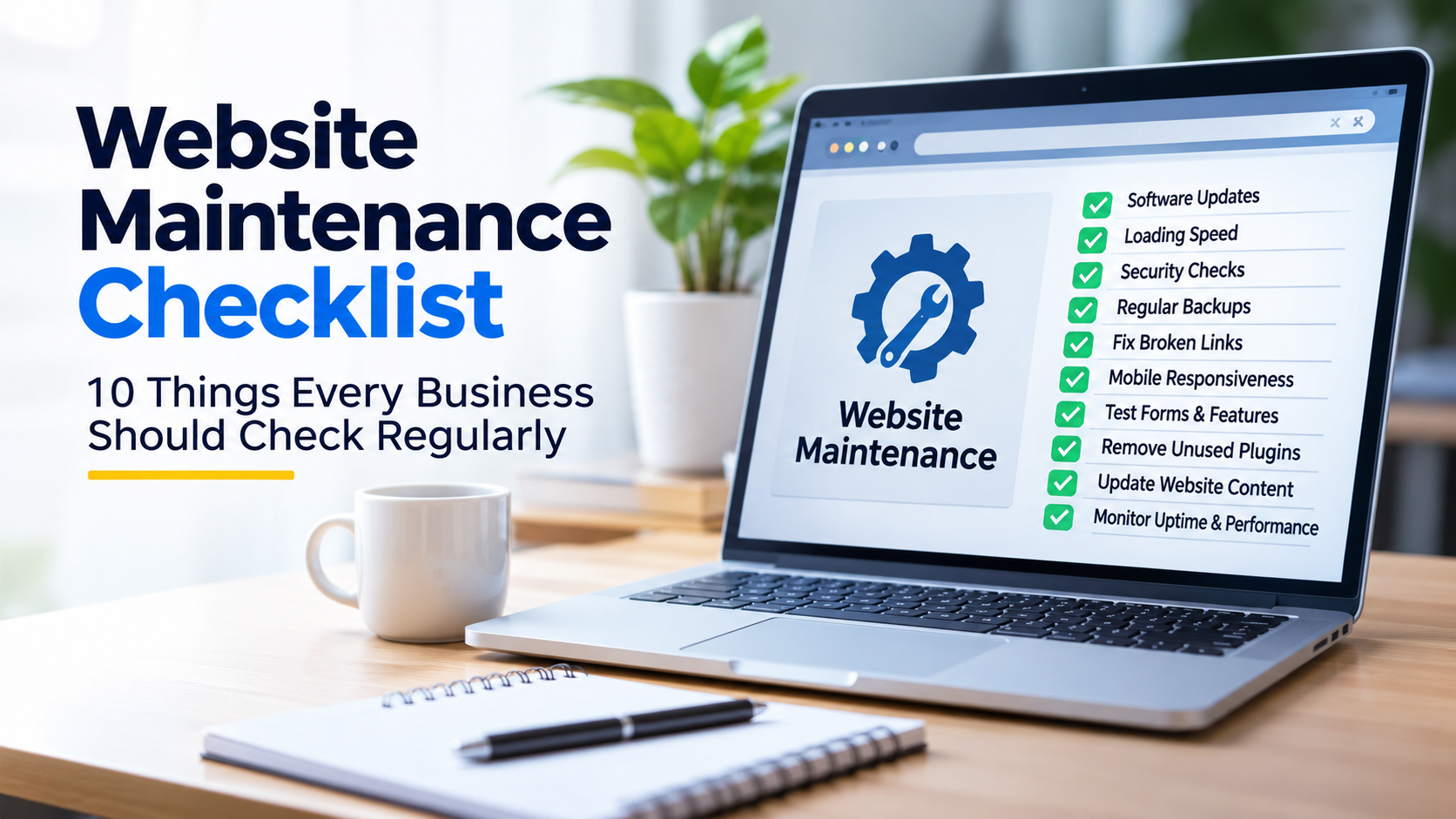
admin 2026-11-11Website Maintenance Checklist: 10 Things Every Business Should Check Regularly
A business website is an important part of your company's online presence. It helps customers learn about your services, explore your products and contact your team. But launching a website is only the first step. Regular maintenance is necessary to keep it working properly, protect business information and provide visitors with a smooth experience.
Many businesses focus on building a website but forget to maintain it after launch. Over time, outdated software, broken links, slow loading pages, security problems and technical errors can affect website performance.
Whether you have a WordPress website, a business website or an eCommerce store, regular website maintenance can help prevent these problems.
In this blog, we will look at 10 important website maintenance tasks every business should check regularly.
1. Keep Your Website Software Updated
One of the most important website maintenance tasks is keeping your software up to date.
If your website runs on WordPress, you should regularly check for updates to the WordPress core, themes and plugins. Older versions may contain security weaknesses or compatibility issues that can affect your website.
Before applying major updates, take a complete website backup. This helps you restore the previous version if something goes wrong.
Regular software updates help your website remain stable, secure and compatible with modern technologies.
2. Check Website Loading Speed
Website speed plays an important role in the visitor experience. People expect pages to load quickly. If your website takes too long to open, visitors may leave before viewing your services or products.
Check your website speed regularly using tools such as Google PageSpeed Insights.
Some common reasons for slow website loading include:
Large image files
Unnecessary JavaScript and CSS
Poor server performance
Too many plugins
Unoptimised database tables
Excessive third-party scripts
Compressing images, reducing unnecessary scripts and using suitable hosting resources can improve loading speed.
3. Check Website Security
Website security should be a regular priority for every business. A website without proper security measures may become vulnerable to malware, unauthorised access and other cyber threats.
Here are some basic security practices:
Use HTTPS with a valid SSL certificate.
Install security updates regularly.
Use strong passwords.
Enable two-factor authentication where available.
Remove unused plugins and themes.
Monitor suspicious login activity.
Use a reliable website security solution.
If your website collects customer information, payment details or enquiry data, security becomes even more important.
4. Take Regular Website Backups
A website backup is a copy of your website files and database. It helps you recover your website if something unexpected happens.
For example, a failed update, server issue, accidental file deletion or security incident can make your website unavailable.
A proper backup should include:
Website files
Images and media uploads
Database
Important configuration files
Website settings
Keep backups in a separate storage location instead of depending only on your hosting server. Test your backups occasionally to make sure they can be restored successfully.
5. Find and Fix Broken Links
Broken links can affect the user experience and make website navigation difficult.
They usually occur when a page is deleted, a URL is changed or an external website removes its content.
For example, a visitor may click a service link expecting to see more information but receive a 404 Page Not Found error instead.
Check your important website links regularly, including:
Main navigation links
Service page links
Contact page links
Blog links
Product links
External links
Fix broken links by updating the URL, restoring the missing page or setting up a suitable redirect when necessary.
6. Test Your Website on Mobile Devices
A website should work properly across different screen sizes. Many visitors access business websites using smartphones and tablets.
A page that looks good on a desktop may have problems on smaller screens.
During regular maintenance, check:
Mobile navigation menus
Text readability
Image display
Button sizes
Contact forms
Page spacing
Horizontal scrolling
Mobile loading speed
Responsive design helps visitors browse your website comfortably, regardless of the device they use.
7. Test Contact Forms and Website Features
Your website may have contact forms, enquiry forms, booking systems, payment options and other interactive features.
These features should be tested regularly to make sure they work correctly.
A contact form that does not send enquiries can result in missed business opportunities.
Check whether:
Forms accept valid information.
Error messages appear correctly.
Enquiry emails reach the correct inbox.
Phone numbers open correctly on mobile.
WhatsApp buttons work.
Payment systems complete transactions properly.
Booking forms save customer details.
It is also useful to test the entire enquiry process from a visitor's point of view.
8. Remove Unnecessary Plugins and Website Files
Over time, websites can collect unused plugins, old themes, temporary files and unnecessary scripts. Keeping too many unused components may create security risks and make website management more difficult.
Review your installed plugins and remove the ones that are no longer required. Also check unused themes, outdated backups stored in public directories and unnecessary media files.
However, do not delete website files without checking their purpose. Some files may be required for your website to function correctly.
A clean website structure makes future maintenance easier.
9. Check Website Content and Important Information
Website maintenance is not only about technical updates. Your website content should also remain accurate and useful.
Businesses often change their contact details, services, prices, working hours and business information. If these details are not updated, visitors may receive incorrect information.
Review important website sections, including:
About Us page
Services and product pages
Contact information
Company address
Business hours
Pricing information
Terms and privacy policies
Blog content
Also check for spelling mistakes, outdated images and missing information.
Keeping your website content updated helps visitors find the information they need.
10. Monitor Website Uptime and Server Performance
Website uptime refers to the amount of time your website remains available to visitors.
If your website frequently goes offline, customers may not be able to access your services or contact your business.
Server problems, hosting limitations, database errors and high resource usage can affect website availability.
Regularly monitor:
Website uptime
Server response time
CPU and RAM usage
Storage availability
Database performance
Error logs
SSL certificate expiry
If you notice repeated downtime or server errors, contact your hosting provider or website maintenance team to identify the actual cause.
How Often Should You Maintain Your Website?
Website maintenance frequency depends on the size, platform and purpose of your website. However, the following schedule is a useful starting point.
| Maintenance Task | Recommended Frequency |
|---|---|
| Website security checks | Weekly |
| Website backups | Daily or weekly |
| Software and plugin updates | Weekly |
| Broken link checks | Monthly |
| Website speed checks | Monthly |
| Contact form testing | Monthly |
| Mobile responsiveness checks | Monthly |
| Content updates | Monthly |
| Server performance checks | Monthly |
| Full website review | Quarterly |
For eCommerce websites and websites that handle customer information, more frequent monitoring may be necessary.
Why Professional Website Maintenance Matters
Managing a website requires regular attention. Business owners may not always have the technical knowledge or time to monitor every website component.
Professional website maintenance services help businesses keep their websites updated, secure and functional.
A website maintenance team can help with:
WordPress updates and plugin management
Website backup and restoration
Website security monitoring
Speed and performance improvements
Technical error fixing
Broken link corrections
Website content updates
Server and hosting support
Having professional support also makes it easier to identify technical problems before they affect website visitors.
Final Thoughts
A business website needs regular attention even after it is successfully launched. Small problems such as broken links, outdated plugins, missing backups and slow-loading pages can gradually affect its performance.
Following a regular website maintenance checklist helps you keep your website secure, functional and easy to use.
Instead of waiting for something to go wrong, make website maintenance a regular part of your business operations. A properly maintained website gives customers a better browsing experience and helps your business maintain a reliable online presence.
Need Help Maintaining Your Business Website?
Iberr Technologies provides website development, technical support and website maintenance solutions to help businesses keep their websites running smoothly.
Contact our team to discuss your website maintenance requirements.
"Iberr Technologies manages the SEO, online growth, and search visibility of Future Skill Park, a leading skill development institute in Kerala, offering career-focused training programs and professional courses. Through effective SEO, Google Business Profile optimization, and content marketing, Iberr Technologies helps Future Skill Park improve its online visibility, reach more students, attract potential learners, and achieve sustainable digital growth."