



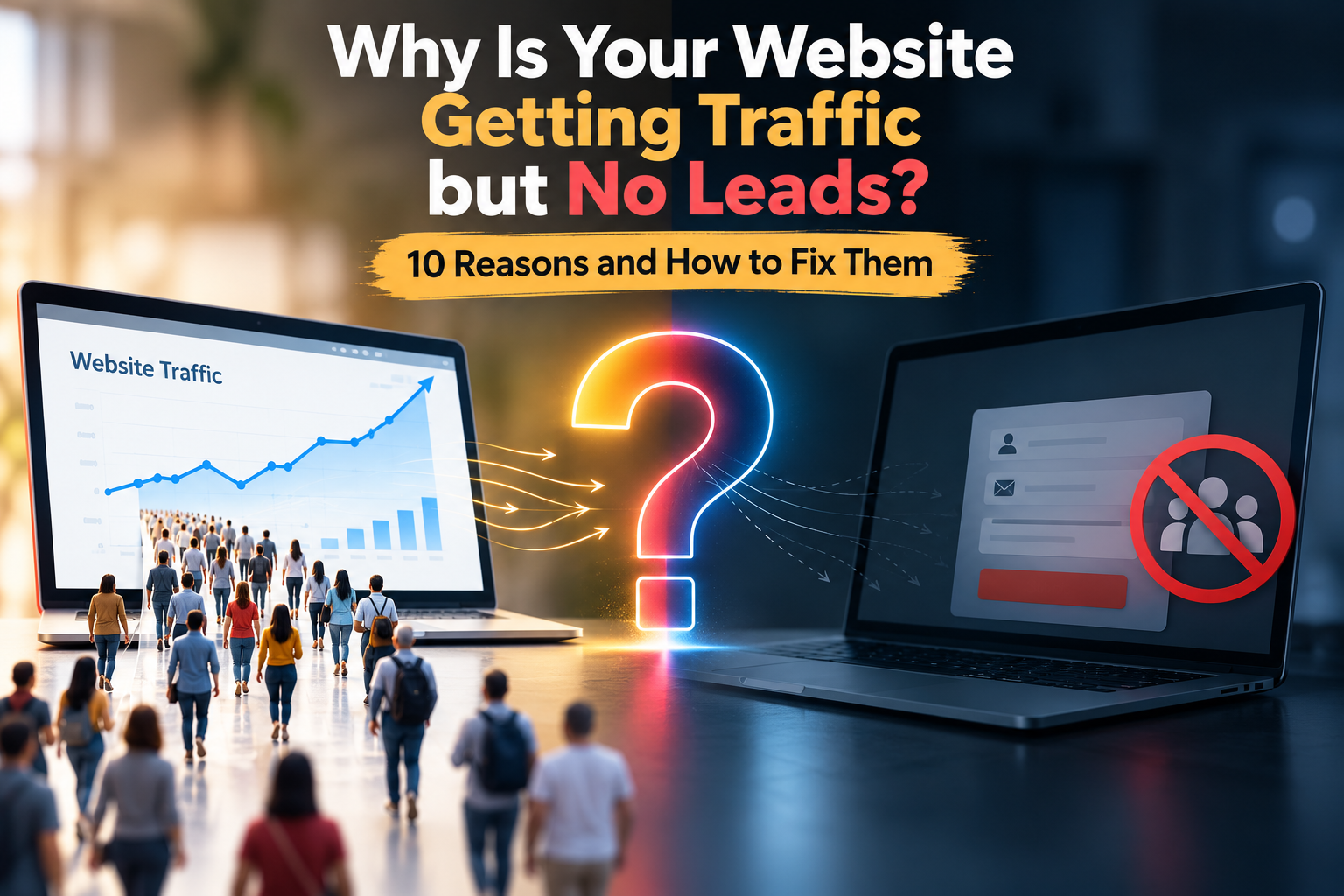
Why Is Your Website Getting Traffic but No Leads? 10 Reasons and How to Fix Them
Digital marketing is all about bringing traffic to your website. But what if your website gets traffic on a daily basis, and yet you get very few inquiries, calls, form submissions or sales?
This is a problem many companies face. Your website can be listed on Google, get traffic from social media or paid ads, but not convert that traffic into potential customers.
The issue is seldom only traffic. Whether a visitor becomes a lead or not is impacted by your website’s design, content, user experience, targeting, trust signals, calls-to-action and conversion strategy.
In this blog we’ll take a look at 10 common reasons your website is getting traffic, but no leads and what you can do to correct these.
1. Your Website Does Not Clearly Explain What You Offer
What's one of the first things a visitor wants to know?
What does this business do, and how will it help me?
If your homepage is cluttered with information and does not clearly state what your services are, visitors will leave without taking any action.
Your website should quickly state:
* What your business is about.
• the services/products you offer
• Who you work for
• What makes your business unique
• What visitors can do next
For example, instead of a vague headline such as “Welcome to Our Website,” craft a clear message that explains what you do and why it matters.
How to fix it
Create a strong headline with supporting copy and a call to action above the fold. As soon as a visitor hits your page, they should know what you’re offering in a few seconds.
2. There Is No Strong Call-to-Action
A visitor may want to use your service and leave because you have not clearly told them what to do next.
A Call-to-Action (CTA) guides visitors to the next step.
Examples are:
• No Obligation Free Consultation
• Ask for a Quote
• Book Appointment
• Contact Us Today
How to fix it
Use CTAs throughout key pages, not just a single contact button in the nav bar.
The CTA also has to match the user’s intent. Someone researching a service might respond better to “Talk to an Expert” than “Buy Now.”
3. Your Website Is Difficult to Use on Mobile
A large number of website visitors use smartphones. A website that looks great on the desktop but is hard to use on mobile, could be costing you potential leads.
Most common mobile problems are:
• Tiny text
• Buttons hard to tap
• Sections not organized
• Scrolling horizontally
• Images that load slowly
• Forms that are hard to fill out
• Misleading Menus
Your SEO might be bringing traffic to your site but a poor mobile experience can halt conversions.
How to fix it
Test your website on multiple screen sizes. The content must be easy to read, the buttons easy to tap, the navigation simple and the inquiry forms mobile-friendly.
4. Your Website Loads Too Slowly
Website speed impacts user experience. Visitors will leave before they even see your content if a page takes too long to load.
The page speed can slow down due to big images, unnecessary scripts, too many plugins, bad hosting setup and unoptimized code.
How to fix it
Consider:
• Reducing image sizes
• Use modern image formats where appropriate
• Reduce unnecessary JavaScript and CSS
• Enable browser caching
• code optimization for website
• Use of a proper hosting environment
• Removing unnecessary plugins/scripts
Optimizing website performance will allow you to create a smoother browsing experience with less friction during the conversion process.
5. You Are Attracting the Wrong Audience
More traffic doesn’t always mean more leads.
For example, say a business offers premium commercial services, but their SEO strategy is aimed at generic keywords that attract people looking for free information or cheap alternatives.
There are a lot of potential customers, but the website may not get a lot of visitors.
How to fix it
Focus on search intent and audience relevance.
Instead of targeting keywords only because they have high search volume, consider:
- Who is searching for this keyword?
- What are they looking for?
- Are they ready to contact a business?
- Does the keyword match your service?
- Does the landing page answer their specific need?
Relevant traffic is more useful than traffic that simply increases visitor numbers.
6. Your Landing Page Does Not Match the Visitor's Intent
Imagine a person clicks on a Google Ad for “SEO services for small businesses.” They land on a generic homepage that offers web design, branding, social media marketing, and a host of other services.
Now the visitor has to hunt for what they originally came for.
This creates friction unnecessarily.
How to fix it
Design separate landing pages for each campaign, service, and search intent.
A good landing page needs to have:
• An appropriate headline
• Transparent service information
• Advantages
• Visuals or information to support
• Trust indicators
• Testimonials/case studies (where applicable)
• A clear CTA
• Easy inquiry facilities
The message you convey in your ad, search result or social media post should tie in seamlessly with the page that the visitor lands on.
7. Your Website Does Not Build Enough Trust
Visitors may want to use your services, but they will be hesitant to contact you if they don't see enough proof that your business is reliable.
Trust can come from many places, including:
• Customer reviews
• Testimonials 2.
• Case studies
• Client Logos
• Business info
• Certificates
• Any awards, if applicable
• Examples of portfolio
• Clear contact info
• Website design specialist
How to fix it
Add genuine trust signals to important pages.
For service businesses, a strong portfolio and relevant customer testimonials can help visitors understand your experience and the type of work you provide.
Avoid using exaggerated claims or fake reviews. Trust works best when the information is genuine and easy to verify.
8. Your Contact Form Is Too Complicated
Sometimes the problem is surprisingly simple: visitors want to contact you, but the process is difficult.
A form asking for too many details can discourage people from completing it.
For example, asking for name, email, phone number, company name, address, job title, budget, company size, and several other fields may create unnecessary friction for an initial enquiry.
How to fix it
Keep your initial form simple.
Depending on the business, you may only need:
- Name
- Phone or email
- Service required
- Short message
You can collect additional information later during the sales process.
Also make sure that every form actually works and that enquiries reach the correct email address or CRM.
9. Your SEO Strategy Focuses Only on Rankings
Google rankings are helpful but rankings should never be the only goal of SEO.
A page can rank well and get visitors but not generate inquiries if the content doesn’t meet the needs of the user or prompt the next action.
Good SEO has to consider both visibility and conversion.
How to repair it
Write based on real customer questions and search intent.
Your SEO strategy could consist of:
• Business Keywords
• Service-specific landing pages
• Location based searches where applicable
•Informational blog content
• Internal links
• FAQs Useful
• Strong titles and descriptions for pages
• Where appropriate, structured data
• Page content focused on conversion
It’s not just about attracting visitors. It’s about attracting the right visitors and providing them with a clear path to becoming customers.
10. You Are Not Tracking Conversions Properly
One of the biggest problems businesses face is not knowing what is actually happening after a visitor arrives.
You may know that your website received 10,000 visitors, but do you know:
- How many clicked the phone number?
- How many submitted a form?
- How many clicked WhatsApp?
- Which landing page generated enquiries?
- Which advertising campaign generated leads?
- Which keywords brought potential customers?
- Where are visitors leaving the website?
Without conversion tracking, it’s hard to know what the real issue is.
How to Fix This
Configure proper analytics and conversion tracking.
Depending on your website and marketing channels you may track:
Submissions from contact form
Phone clicks
WhatsApp clicks
Email clicks
Request for Quotes
Bookings for appointments
Purchase
Landing page conversion rates
Tools such as Google Analytics and Google Tag Manager can help businesses to understand user behavior and to measure important actions.
How to Turn More Website Visitors Into Leads
Once you identify the reasons behind low conversions, you can start improving the website systematically.
A simple process is:
Step 1: Identify Your Main Traffic Sources
Find out whether visitors are coming from:
- Google Search
- Google Ads
- Social media
- Referral websites
- Direct traffic
- Other marketing channels
Step 2: Identify Your Highest-Traffic Pages
Check which pages receive the most visitors.
Then compare traffic with enquiries.
A page with high traffic but very few conversions may need improvement.
Step 3: Review User Experience
Check your website on both desktop and mobile.
Look at:
- Navigation
- Page speed
- Readability
- Buttons
- Forms
- Content structure
- Contact options
Step 4: Improve Your CTAs
Make your next action obvious.
Instead of making visitors search for your contact details, give them clear options such as Request a Quote, Call Now, or Book a Consultation.
Step 5: Test Different Improvements
You do not need to redesign your entire website immediately.
Start with important changes such as:
- Better headlines
- Stronger CTAs
- Shorter forms
- Better service descriptions
- Improved landing pages
- More relevant trust signals
Then monitor the results.
Website Traffic vs Website Leads
It is important to understand the difference between traffic and leads.
Website traffic tells you how many people visit your website.
Leads represent people who take an action that can potentially become a business opportunity.
For example:
10,000 visitors + 20 enquiries
may be more valuable to a business than:
50,000 visitors + 5 enquiries.
This is why businesses should look beyond traffic numbers and pay attention to conversion rate, lead quality, and business outcomes.
Final Thoughts
If your website is getting traffic but not generating leads, the solution may not be “get more traffic.”
The issue could be your messaging, website design, mobile experience, page speed, targeting, landing pages, trust signals, CTAs, forms, or conversion tracking.
A successful website needs to do more than appear in search results. It should help visitors understand your business, build confidence, and make it easy for them to take the next step.
By reviewing these 10 areas and making improvements based on actual user behaviour, you can create a website that works more effectively as part of your digital marketing strategy.
Frequently Asked Questions
1. Why is my website getting traffic but no leads?
Common reasons include weak calls-to-action, poor landing pages, slow loading speed, unclear messaging, poor mobile experience, irrelevant traffic, lack of trust signals, and complicated contact forms.
2. How can I increase leads from my website?
Start by improving your landing pages, CTAs, service content, mobile experience, page speed, contact forms, and trust signals. Conversion tracking can also help identify which areas need improvement.
3. Does more website traffic mean more leads?
Not necessarily. The quality and relevance of your traffic are important. Visitors who match your target audience and have genuine interest in your products or services are more likely to become leads.
4. How important is website design for lead generation?
Website design can affect how easily visitors find information, navigate the site, understand your services, and take action. A clear and user-friendly design can reduce friction during the conversion process.
5. Should I focus on SEO or website conversion optimization?
Both can work together. SEO can help bring relevant visitors to your website, while conversion optimization focuses on helping those visitors take meaningful actions such as submitting an enquiry, calling your business, or requesting a quote.
Iberr Technologies manages the SEO, online visibility, and digital growth of JustListing, a local business discovery platform that helps people find and compare businesses across Kerala. The platform features listings such as water purifier dealers in Perinthalmanna, Malappuram, making it easier for customers to explore local suppliers based on products, location, pricing, reviews, and contact details. Iberr Technologies uses effective SEO methods, AI-powered SEO strategies, Google Business Profile optimization, and content marketing to improve JustListing’s visibility for relevant local searches. These strategies help the platform connect local businesses with potential customers, improve search visibility, attract relevant traffic, and support sustainable online growth.